
21 January 2026
CY Backdrop
Enhance Your VFX Workflow with CY Backdrop
Discover how CY Backdrop can simplify and optimize your VFX and digital composition workflow. This user-friendly tool allows beginners and professionals alike to quickly customize backdrops, improving efficiency.
What is CY Backdrop
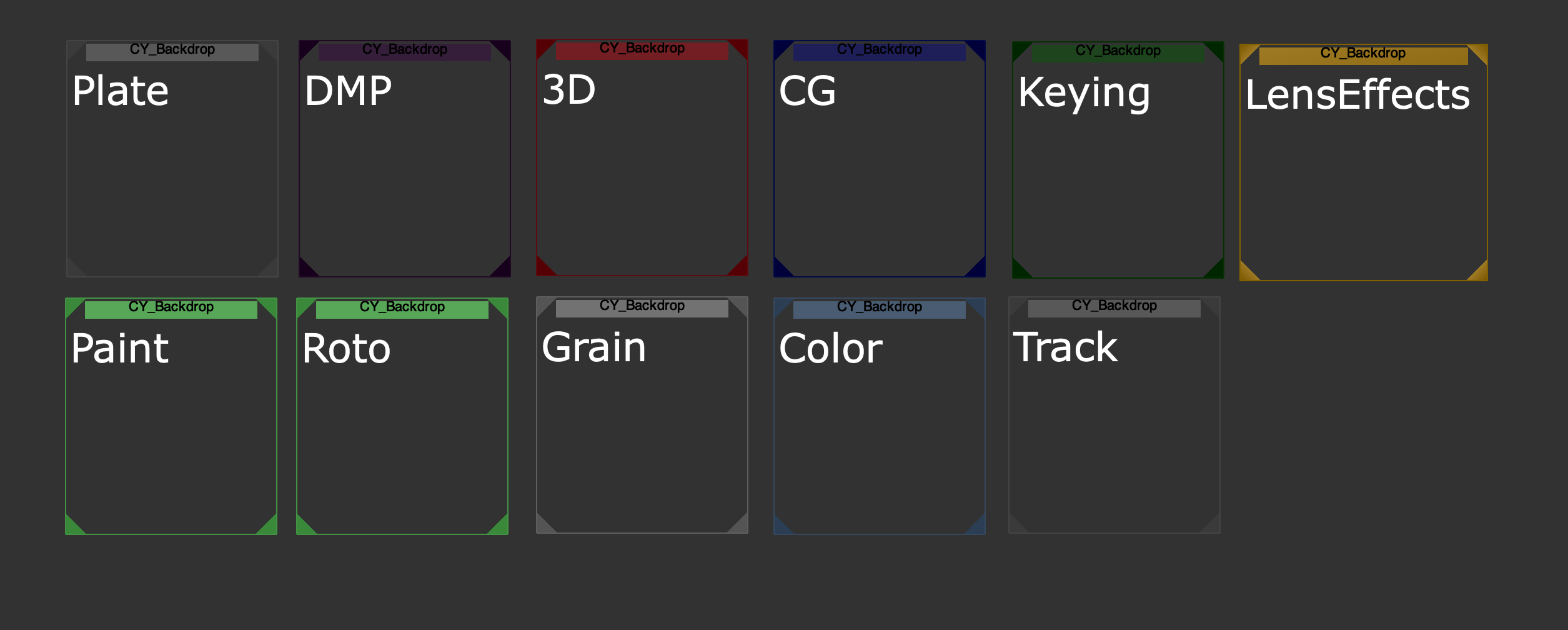
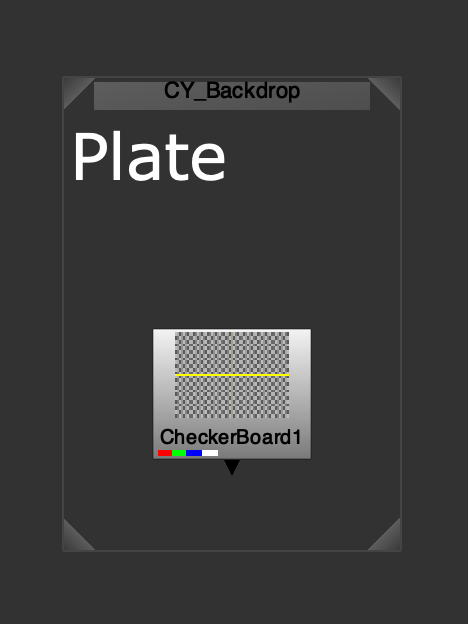
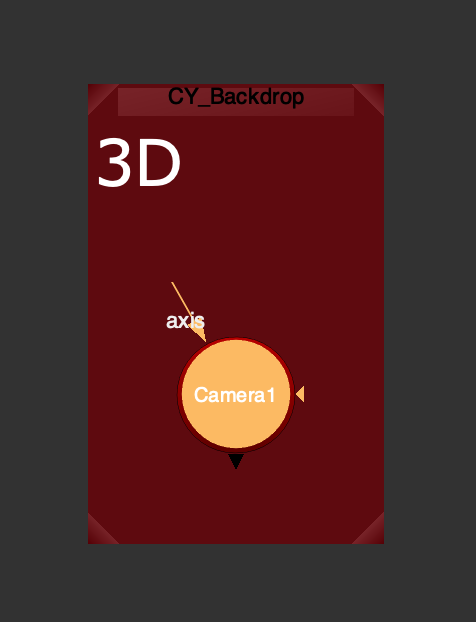
CY Backdrop is a beginner-friendly Python tool designed to simplify backdrop creation in Nuke. Despite its simplicity, it excels in automating common tasks and enhancing efficiency. The tool comes preloaded with color schemes and predefined settings.
How It Works
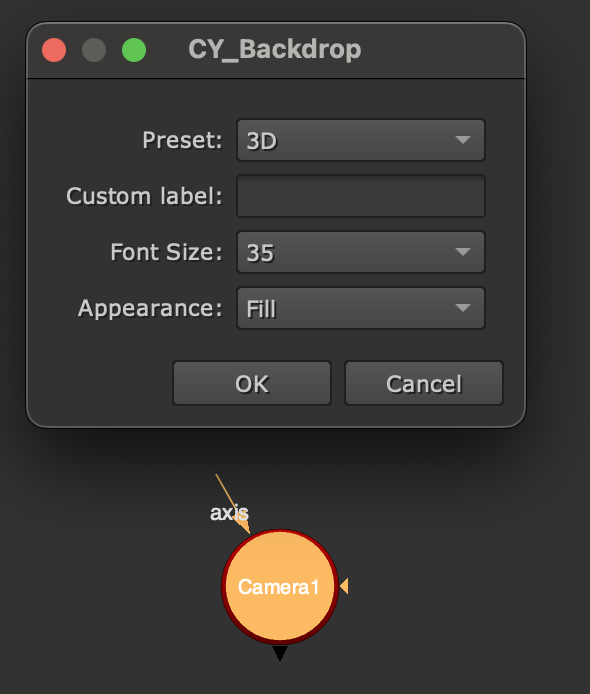
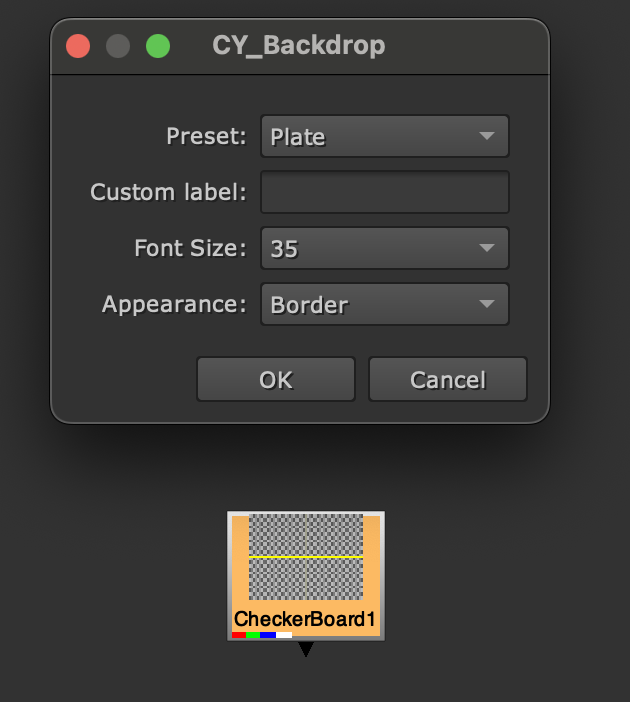
By pressing CTRL+B (or Command+B on Mac) in Nuke, a user-friendly selection window opens, allowing you to choose different backdrop types and adjust text size. You can also customize the label to fit your specific needs.
Key Benefits
- Simplicity and efficiency — a straightforward solution to enhance your comps.
- Time savings — automate common tasks and speed up your process.
- Ease of use — intuitive interface, minimal programming knowledge required.
- Advanced customization — tweak the
.pyfiles for more control.
Installation
- Download the CY Tools folder from the official repository on Nukepedia.
- Navigate to the
.nukefolder in your user directory (e.g.C:\Users\YourUser\.nukeon Windows). - Copy the CY Tools folder into the
.nukedirectory. - Open
init.pyinside.nukewith a text editor. - At the end of the file, add:
nuke.pluginAddPath('./CY Tools'). - Save, close, and open Nuke to enjoy CY Backdrop.